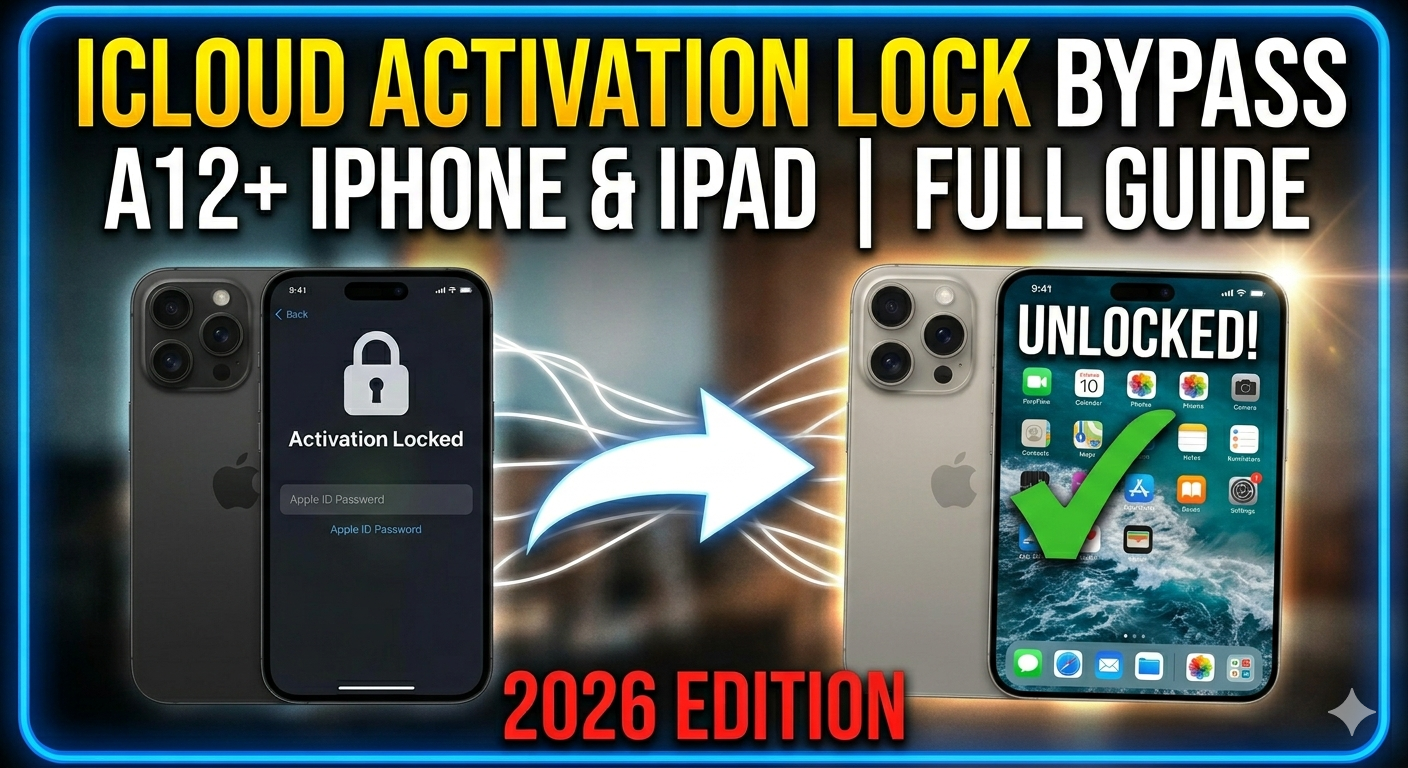
If you've ever picked up an iPhone or iPad only to be stopped dead by the iCloud Activation Lock screen, you know exactly how frustrating the experience is. Whether it's a device you forgot the Apple ID for, or a second-hand purchase where the previous owner never signed out — being locked out is a real and common problem.
In this guide we cover everything you need to know about iCloud Activation Lock bypass for A12+ iPhones and iPads in 2026, including supported devices, key features, what works after bypass, and how to get started.
🔑 Key Features
Full iCloud Bypass
Remove the activation lock completely — no original Apple ID credentials needed.
Full Notifications
Push notifications work normally after bypass — no missed alerts from any app.
Apple Pay Works
Apple Pay functions without extra steps — full contactless payment support.
App Store Access
Fast and reliable App Store connection — download and update any app freely.
iCloud Login Speed
Faster iCloud service connection via bypass proxy — smoother post-bypass setup.
Easy Interface
Connect via USB, follow on-screen steps — no technical background required.
Frequent Updates
Regular updates to stay compatible with new iOS versions and Apple security patches.
Data Protection
Personal data on the device is protected throughout the entire bypass process.
📱 Supported Devices
| Device | Supported Models |
|---|---|
| 📱 iPhone | XS / XS Max / XR → iPhone 17 Pro Max |
| 📟 iPad | iPad 8th gen → iPad Pro M4 (Latest Generation) ✅ |
| 🔲 Chip | A12 Bionic and newer (A12 / A13 / A14 / A15 / A16 / A17 / A18) |
| 📦 iOS | iOS 15.x → iOS 26 |
✅ What Works After Bypass?
| Feature | Status |
|---|---|
| 📶 Wi-Fi Connectivity | ✅ Fully Working |
| 🛍️ App Store | ✅ Fully Working |
| ☁️ iCloud Services | ✅ Working via Proxy |
| 🔔 Push Notifications | ✅ Working |
| 💳 Apple Pay | ✅ Working |
| 📷 Camera & Media | ✅ Working |
| 📡 Cellular Signal | ⚠️ Depends on Method |
| 📞 Calls & SMS | ⚠️ Depends on Method |
💡 Common Use Cases
✔️ Restoring a second-hand device that arrived iCloud locked
✔️ Regaining access after losing Apple ID credentials
✔️ Recovering devices from deceased family members
✔️ Preparing refurbished devices for resale or reuse
✔️ Technicians unlocking devices for clients
✔️ Regaining access after losing Apple ID credentials
✔️ Recovering devices from deceased family members
✔️ Preparing refurbished devices for resale or reuse
✔️ Technicians unlocking devices for clients
🚀 How To Get Started
1
Download the bypass tool using the button below
2
Connect your iPhone or iPad to your PC via USB cable
3
Launch the bypass software on your Windows or Mac
4
Follow the step-by-step on-screen instructions
5
Wait for the tool to complete — no technical knowledge needed ✅
✅ Works on both Windows and macOS
✅ No jailbreak required
✅ No Apple ID needed
✅ Supports iPhone XS → iPhone 17 Pro Max
✅ Supports all iPad generations including latest iPad Pro M4
✅ Supports iOS 15 up to iOS 26
✅ No jailbreak required
✅ No Apple ID needed
✅ Supports iPhone XS → iPhone 17 Pro Max
✅ Supports all iPad generations including latest iPad Pro M4
✅ Supports iOS 15 up to iOS 26
🔓 Download & Service Links
⬇️ Download iCloud Bypass Tool — A12+ iOS 15–26 Download 🔧 Remote Bypass Service — El Profesor GSM Get Service ▶️ Full Video Tutorial — YouTube Watch
⚠️ Important Disclaimer: Bypass tools should only be used on devices you legally own or have explicit rights to access. Using these methods on stolen, lost, or unauthorized devices is illegal under computer fraud laws in most countries and is a direct violation of Apple's Terms of Service. Always verify device ownership before proceeding. Consider reaching out to Apple Support first if you have access to the original purchase information.
💬 Need Help?
Contact El Profesor GSM for remote bypass service, support, or any iPhone and iPad unlock:
No comments:
Note: Only a member of this blog may post a comment.