
CMD ADB Remove FRP Tool Latest 2026 is a new free solution for removing FRP lock and fixing relock problems on Android 15, Android 16 and Android 17 devices. The method works using ADB commands after enabling USB Debugging mode with MOBILedit Forensic Ultra.
This new script supports Samsung latest security updates and helps technicians remove FRP after unlocking the device manually or by PC tools. The CMD ADB script runs directly from Windows and fixes the FRP relock problem that appears after the first bypass attempt.
🛠️ Tool Information
Tool Name
CMD ADB Remove FRP
Version
Latest 2026
Support
Android 15 / 16 / 17
Method
ADB CMD Script
USB Debugging
Required
ZIP Password
gsmunlocklab
✦ Key Features
🔓
Remove FRP Lock
Works on Samsung latest security patches
🔁
Fix Relock Problem
Permanent FRP relock fix after bypass
💻
CMD ADB Script Solution
Runs directly from Windows CMD as Admin
📱
Samsung Latest Security Supported
2025 & 2026 security patches
🔌
USB Debugging New Method
Enable via MOBILedit Forensic Ultra
⚡
Fast and Easy Process
One-click script execution
🆓
Free Tool 2026
100% free, no activation needed
🤖
Supports Latest Android Versions
Android 15, 16 and 17
📋 How To Use
1
Download the file from the link below.
2
Extract the ZIP or RAR file using WinRAR.
3
Method works on Samsung latest Android security updates.
4
Unlock FRP manually or using any FRP bypass tool.
5
Enable USB Debugging mode using MOBILedit Forensic Ultra — the new free method supported for latest Android security updates.
6
Connect the phone to the PC using a USB cable.
7
Run the CMD script as Administrator.
8
Click Start and wait until the process finishes.
9
✅ FRP lock will be removed and relock problem fixed successfully.
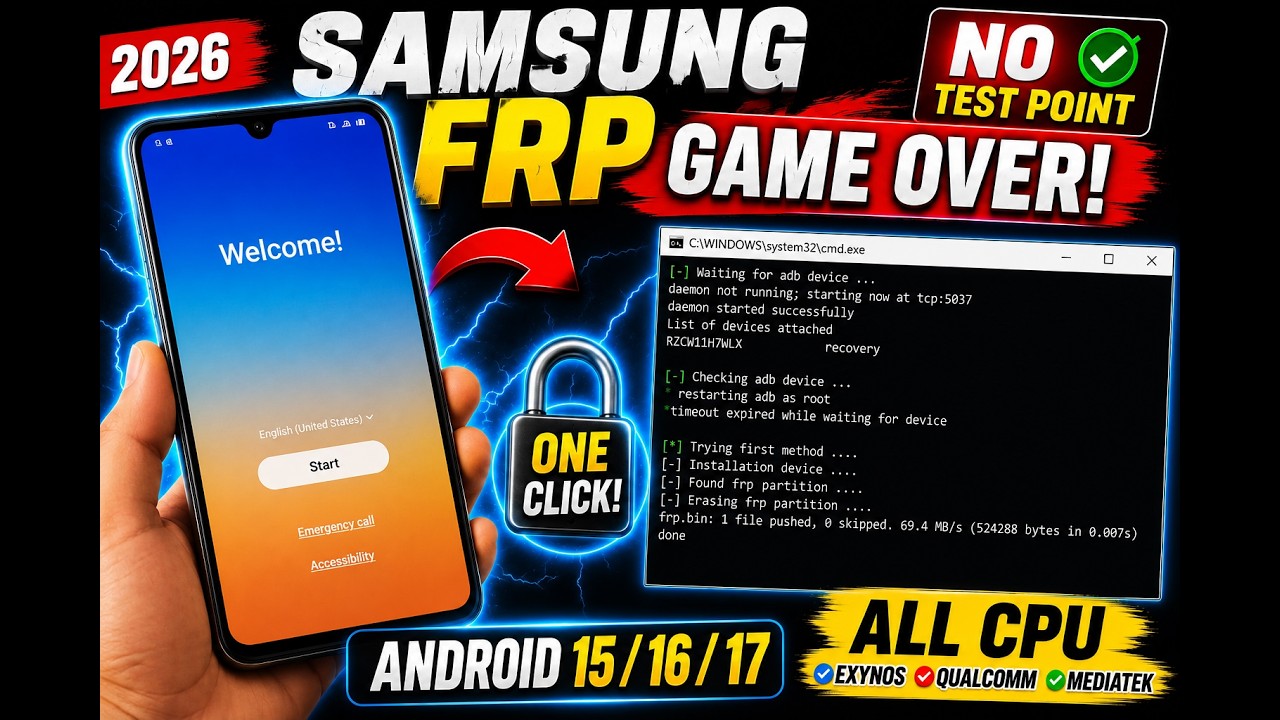
🖥️ CMD Process Preview
C:\Windows\System32\cmd.exe
C:\Windows\System32\cmd.exe
[-] Waiting for adb device...
List of devices attached
RSCTKODLKA recovery
[-] Checking adb device...
restarting adb as root
[!] Timeout expired while waiting for device...
[-] Trying first method...
[-] Initialising device...
[-] Found FRP partition...
[-] Erasing FRP partition...
frp.bin: 1 file pushed, 0 skipped. 175.8 MB/s (524288 bytes in 0.003s)
[✔] Done Successfully
🤖 Supported Android Versions
🤖
Android 15
✅ Fully Supported
🤖
Android 16
✅ Fully Supported
🤖
Android 17
✅ Fully Supported
▶ Video Tutorial
⬇️ Download All Required Files

🔒 Download is Locked
Subscribe to our YouTube channel first — it's free and only takes 2 seconds!
▶ Subscribe to El Profesor GSM✔ I Already Subscribed — Show Downloads
❓ Frequently Asked Questions
Does this method support Android 15?
Yes. CMD ADB Remove FRP 2026 fully supports Android 15 on Samsung devices with the latest security patches.
Does it work on Android 16 and Android 17?
Yes. The ADB script has been tested and confirmed working on Android 16 and Android 17 with Samsung's latest build.
Is USB Debugging required?
Yes. USB Debugging must be enabled first. You can enable it using MOBILedit Forensic Ultra — a new free method that works on the latest Android security updates.
Does it fix FRP relock?
Yes. The script includes a permanent FRP relock fix so the device does not re-lock after restart or after adding a Google account.
Is this tool free?
Yes. CMD ADB Remove FRP 2026 is 100% free. No activation, no credits, and no paid subscription required.
⚠️ Disclaimer: This tool is made for educational and service purposes only. Use it only on devices you legally own or have authorization to repair. GSM Unlock Lab does not encourage any unauthorized or illegal use.
No comments:
Note: Only a member of this blog may post a comment.