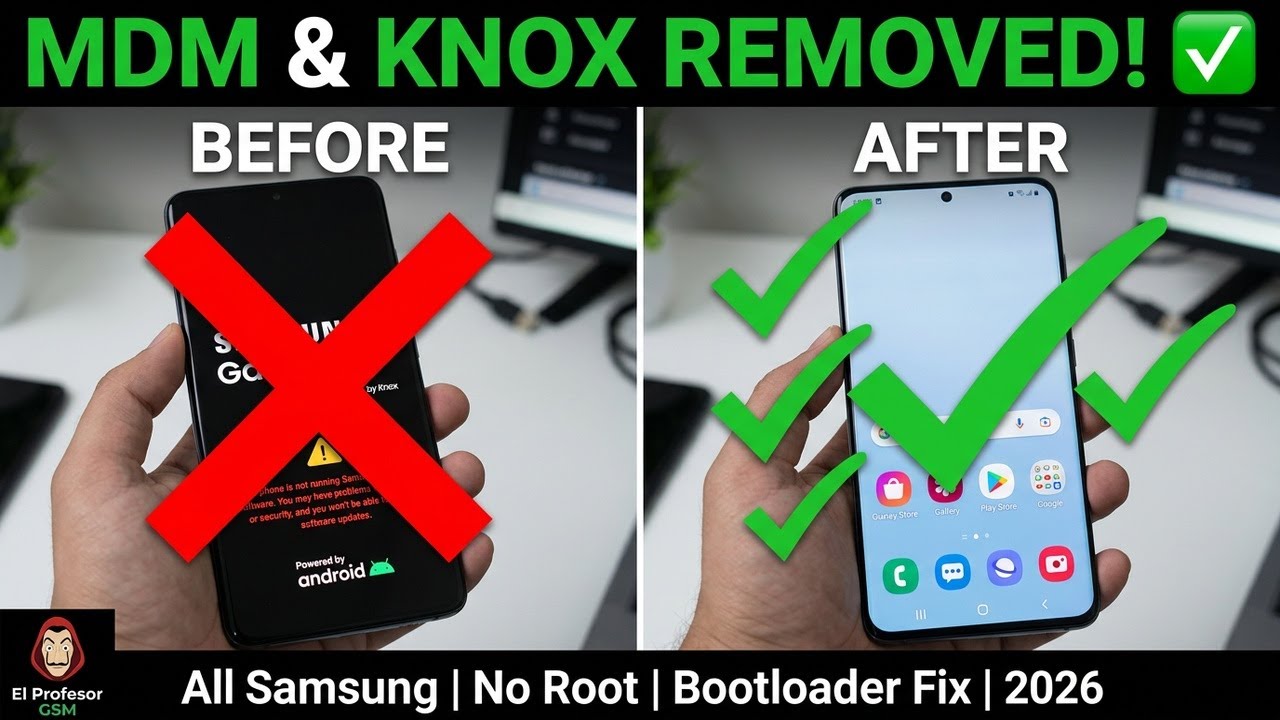
What Is Samsung MDM and Knox?
Samsung MDM (Mobile Device Management) is a remote management system used by companies, schools, and organizations to control and restrict Samsung devices given to employees or students. When MDM is active on a device, the administrator can lock settings, prevent app installations, monitor usage, and even wipe the device remotely. If you've bought a second-hand Samsung device or received one from a previous employer that still has MDM active, this restriction will prevent you from using the phone normally — even after a standard factory reset.
Samsung Knox is Samsung's own multi-layered hardware and software security platform, built directly into the device at the chip level starting from manufacturing. Knox Enrollment Service (KES) is the mechanism that ties MDM profiles permanently to the device's Knox counter and warranty bit, which is exactly why a simple factory reset or wipe is not enough to remove these restrictions — the enrollment record persists at a level the regular Settings app cannot touch. In 2026, the method demonstrated in this guide addresses this directly, permanently removing both MDM and Knox without requiring root access, and also fixing the Bootloader Logo warning that commonly appears after certain repair, flash, or unauthorized modification attempts.
👉 School & Company iPad MDM Removal iOS 26 — No Jailbreak 2026
Why Does This Happen on Samsung Devices?
Unlike many other Android manufacturers, Samsung ties enterprise device management deeply into its Knox security architecture rather than relying purely on Google's standard Android Enterprise APIs. This means that when a company enrolls a device through Knox Manage, Knox Mobile Enrollment, or a third-party MDM provider using the Knox SDK, the enrollment record is written in a way that survives normal resets. The device essentially "remembers" that it belongs to an organization even after all user data has been erased, which is a deliberate anti-theft and asset-protection measure — but it becomes a serious problem for anyone who legitimately owns the device but lacks admin credentials.
The Bootloader Logo warning and the "Phone is not running Samsung official software" message are separate but related issues that often appear alongside MDM problems, particularly after a previous unauthorized unlock attempt, a bad firmware flash, or a Knox counter trip. This guide's method addresses all three issues together for a clean, fully working device afterward.
🔑 What This Method Fixes
📱 Supported Samsung Models
This method works across all major Samsung Galaxy series — from budget A-series and M-series devices to the latest flagship S-series, Z Fold foldables, and Tab tablets. Below is the full breakdown by model number, including the newest 2025/2026 releases.
| Samsung Series | Supported Models |
|---|---|
| 📱 Galaxy S Series | S10 / S20 / S21 / S22 / S23 / S24 / S25 / S26 — All variants including Plus, Ultra, FE |
| 📱 Galaxy A Series | A03 / A05 / A12 / A13 / A14 / A15 / A16 / A17 / A23 / A24 / A25 / A26 / A32 / A33 / A34 / A36 / A37 / A54 / A55 / A56 / A57 and more |
| 📱 Galaxy Z Fold / Flip Series | Z Fold3 / Z Fold4 / Z Fold5 / Z Fold6 / Z Fold7 / Z Flip3 / Z Flip4 / Z Flip5 / Z Flip6 / Z Flip7 — All variants |
| 📱 Galaxy M Series | M12 / M13 / M14 / M15 / M23 / M33 / M34 / M53 / M54 and more |
| 📱 Galaxy F Series | F12 / F13 / F14 / F23 / F34 / F54 and more |
| 📟 Galaxy Tab Series | Tab A7 / A8 / A9 / A9+ / S6 Lite / S7 / S8 / S9 / S9 FE / Tab S10 / S10+ / S10 Ultra / Tab S11 / S11 Ultra — Latest tablet models supported |
| ⚙️ Android Version | Android 11 → Android 16 — All One UI versions supported |
✔️ Samsung Galaxy S26 / S26+ / S26 Ultra
✔️ Samsung Galaxy S25 / S25 Ultra / S25 FE
✔️ Samsung Galaxy Z Fold7 & Z Flip7
✔️ Samsung Galaxy Z Fold6 & Z Flip6
✔️ Samsung Galaxy A57 / A37 5G
✔️ Samsung Galaxy A56 / A36 / A26 5G
✔️ Samsung Galaxy A17 / A16 5G
✔️ Samsung Galaxy A55 & A54
✔️ Samsung Galaxy A32
✔️ Samsung Galaxy A14
✔️ Samsung Galaxy Tab S11 & Tab S11 Ultra
✔️ Samsung Galaxy Tab S10 / S10+ / S10 Ultra
📥 Download — Bootloader Logo Fix & Firmware (S20 Series)
⬇️ Download Files — Updated 2026
📦 Bootloader Logo Fix & Firmware — Samsung S20 / S20+ / S20 Ultra Download 💬 Request Files for Other Models — WhatsApp Contact ✈️ Telegram Group — Latest Tools & Updates JoinStep-by-Step Guide
Watch the full video tutorial above for a complete live demonstration of the process from start to finish. The general workflow follows the steps below — exact screens and menu names can vary slightly depending on your specific Samsung model and Android version, so for model-specific guidance, refer to the video or contact us directly.
✔️ MDM profile permanently removed
✔️ Knox Enrollment Service deactivated
✔️ Bootloader warning screen cleared
✔️ "Not running official software" message fixed
✔️ Full device control restored — no root, no data loss
Frequently Asked Questions
Does this method require root access?
No. The entire MDM and Knox removal process described here works without rooting the device, meaning the device continues to receive standard OTA updates normally afterward.
Will this trip the Knox warranty bit further?
The bootloader logo fix step is specifically designed to address existing Knox warnings rather than introduce new ones. However, results can vary by model and current device state — contact us if you're unsure about your specific device's history.
Does this work on carrier-locked Samsung devices?
In most cases, yes, though carrier-specific firmware can sometimes require an additional step. Message us your exact model and carrier for confirmation.
Is my data erased during this process?
The MDM and Knox removal steps themselves do not require a full data wipe, though we always recommend backing up important data before any firmware-level operation as a precaution.
🔗 Related Guides
🔧 Need Remote Service?
If you are unable to complete the process yourself, or your specific Samsung model requires a different approach, El Profesor GSM offers professional remote MDM and Knox removal service — fast, affordable, and available 24/7 for clients worldwide.
💼 Remote Service & Support
💬 WhatsApp — Remote MDM & Knox Removal Service Book Now ✈️ Telegram — El Profesor GSM Message 👥 Telegram Group — GsmUnlockLab Join ▶️ YouTube Channel — El Profesor GSM Subscribe✔️ Permanent MDM & Knox removal — not temporary
✔️ Bootloader logo fix included for supported models
✔️ All Samsung Galaxy S / A / M / Z / Tab series supported
✔️ Fast remote session — done in minutes
✔️ Very affordable pricing — best value
✔️ Available 24/7 — contact us anytime
No comments:
Note: Only a member of this blog may post a comment.