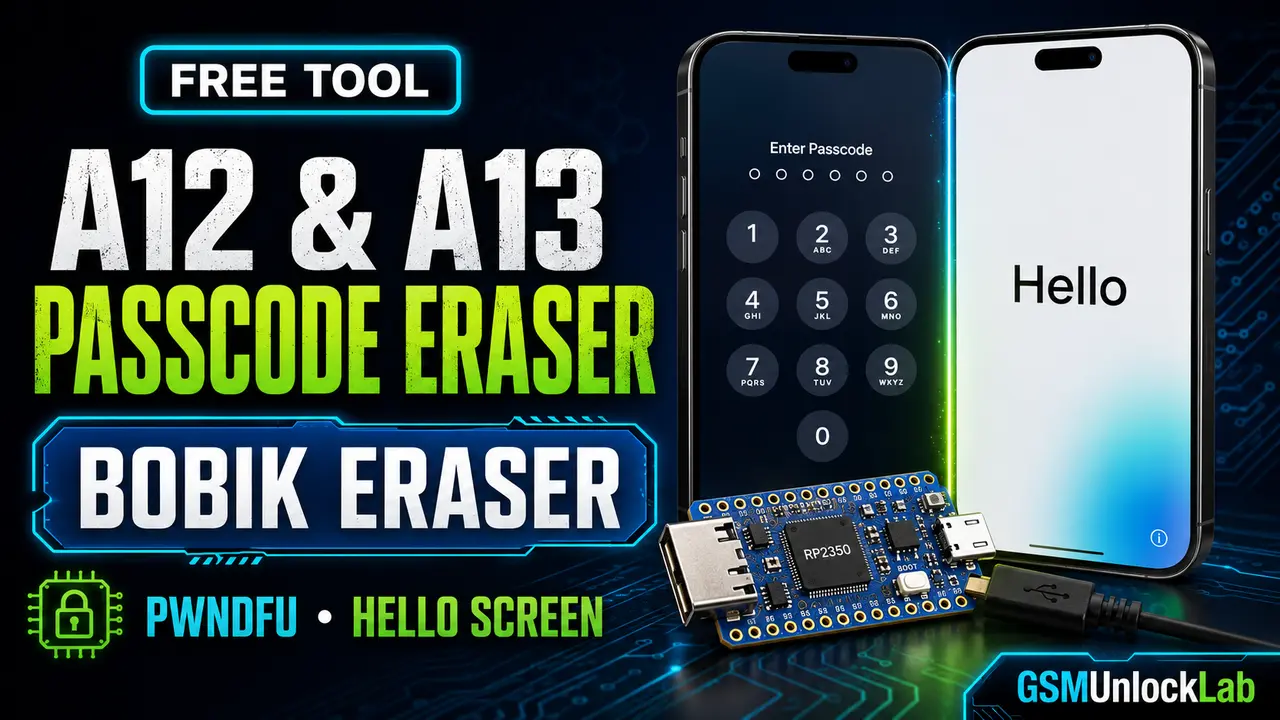
Bobik Eraser is a free A12 and A13 passcode erasing utility for experienced iOS repair and research users. It erases the device and its existing passcode state, then returns the supported device to the Hello setup screen.
Bobik Eraser Features
Requirements
- A supported Apple A12 or A13 device.
- An RP2350 board prepared for USBLiter8 PwnDFU.
- A Waveshare RP2350 USB-A board is recommended for the simplest connection.
- A reliable Lightning cable, USB data cable, and stable computer connection.
- The correct Bobik Eraser package for your operating system.
- The PDF PwnDFU instructions included in the download package.
Available Computer Packages
| Computer | Package to use | Preparation |
|---|---|---|
| Windows | Windows package | Extract the archive and follow the included PDF. |
| Linux | Linux package | Extract the archive and apply any permissions described in the documentation. |
| Intel Mac | macOS Intel package | Use the Intel build and follow the included security prompts. |
| Apple-silicon Mac | macOS ARM package | Use the ARM build for M-series Mac computers. |
How to Use Bobik Eraser
This overview is intentionally concise. Read the included PDF because the precise PwnDFU connection sequence matters.
- Confirm that you own the device or have written authorization to service it. Back up any accessible data before continuing.
- Prepare the supported RP2350 board and place the device into PwnDFU by following the included USBLiter8 documentation.
- Extract the package that matches your computer and launch the Bobik Eraser utility.
- Confirm that the utility detects the device in PwnDFU, then follow the on-screen erase instructions.
- Keep every cable connected until the process finishes and the device returns to the Hello setup screen.
Download Bobik Eraser
Please subscribe to our YouTube channel before downloading this free tool.
Select the package for your computer and read the included PDF before connecting a device.
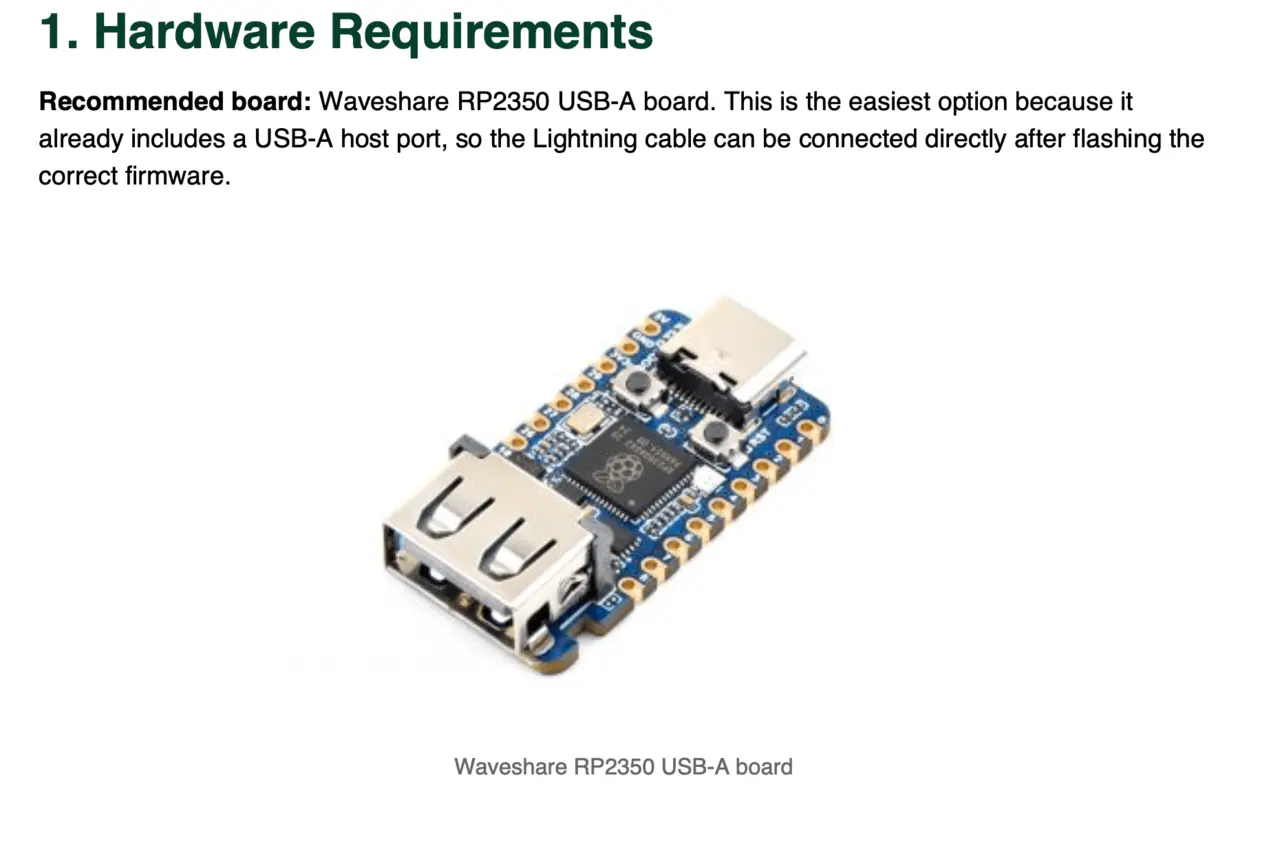
Waveshare RP2350 USB-A is the recommended board for the simplest USBLiter8 PwnDFU setup.
Credits and License
Troubleshooting
- Device is not detected: confirm that it is genuinely in PwnDFU and reconnect the RP2350 board using the sequence in the PDF.
- Tool does not start: verify that you downloaded the correct package for Windows, Linux, Intel Mac, or Apple-silicon Mac.
- Connection fails: try a short, high-quality USB data cable and another USB port. Avoid unstable hubs.
- Process stops: close other device-service applications, restart the computer, and repeat the documented PwnDFU sequence.
Frequently Asked Questions
Is Bobik Eraser free?
Yes. The utility is available as a free download.
Does the tool recover the passcode or user data?
No. It performs an erase operation. It does not reveal the passcode and cannot recover data that is removed.
Is PwnDFU required?
Yes. The device must be placed into PwnDFU before the erasing utility can operate.
Which RP2350 board is recommended?
Waveshare RP2350 USB-A is the easiest option because its USB-A host port avoids manual Lightning-cable wiring.
No comments:
Note: Only a member of this blog may post a comment.